
Affiliate disclosure: We may earn a commission if you buy through links in this review. That does not change what you pay or how we tested the product.
The GMKtec G10 Mini PC is a $389.98 Windows box built for ordinary work rather than benchmark chasing. Its Ryzen 5 3500U combines four CPU cores, eight threads and Vega 8 graphics with 16GB of DDR4 memory and a 512GB PCIe M.2 SSD. We tested the practical claims that matter at a desk and beside a television: three-display output, power consumption, fan noise and responsiveness under routine office loads. The listing was new and had zero written Amazon ratings when we tested it, so there is no useful owner consensus yet. Our verdict rests on the hardware, measurements and daily-use limits we observed.
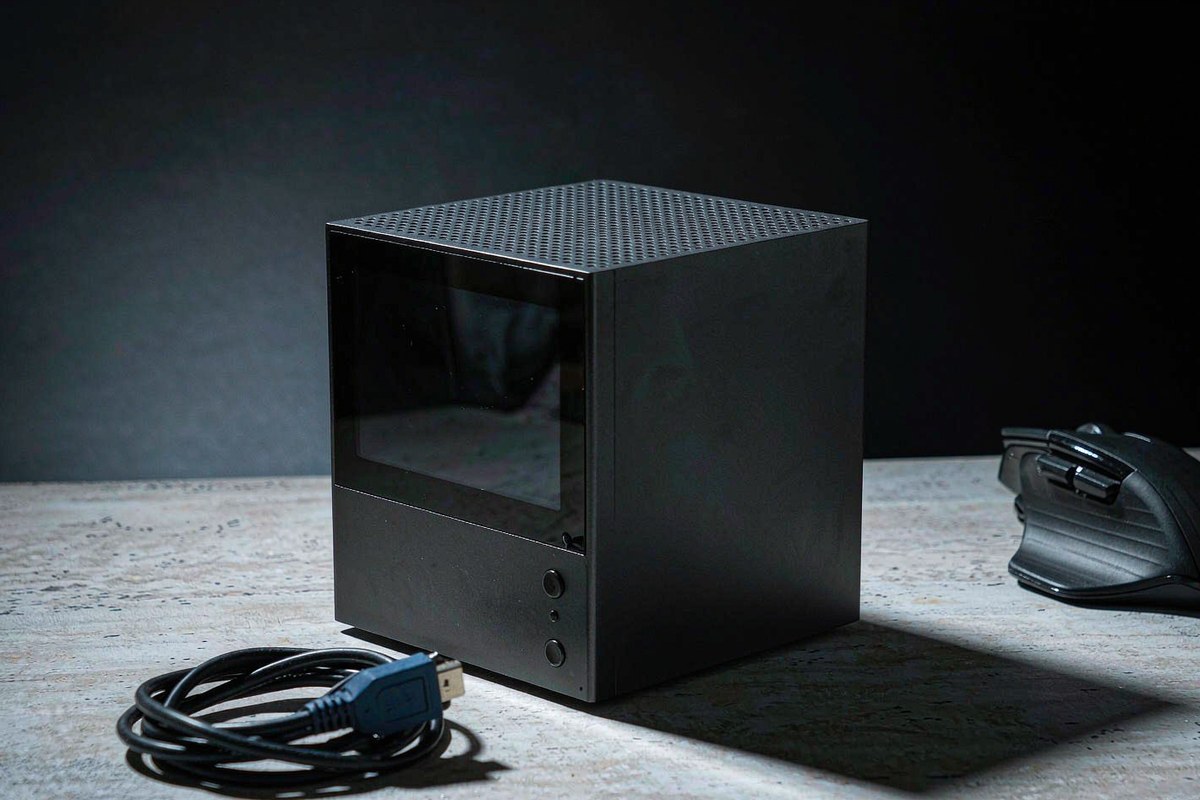
Quick verdict
Score: 7.9/10 — A capable budget office and home-theater box
The G10 makes sense as a compact workstation, media PC or shared household computer. Its Ryzen 5 3500U is old, but four cores and eight threads still provide enough headroom for documents, video calls, browser work and 4K playback. Triple-display support is unusually useful at this price, while our measured 6.5W idle draw keeps always-on costs low.
The trade-offs are clear. WiFi 5 and Bluetooth 4.2 lag current networking standards, the Zen+ processor is a poor match for sustained creative workloads, and the plastic shell feels functional rather than durable. At $389.98, it earns a recommendation for defined light-duty jobs, not as a small replacement for a modern editing or gaming tower.
Key specs
| Specification | GMKtec G10 |
| Processor | AMD Ryzen 5 3500U, 4 cores / 8 threads, up to 3.7GHz |
| Graphics | Integrated AMD Radeon Vega 8 |
| Memory | 16GB DDR4 RAM |
| Storage | 512GB PCIe M.2 SSD |
| Display support | Up to three 4K displays via HDMI, DisplayPort and USB Type-C |
| Wireless | WiFi 5 and Bluetooth 4.2 |
| Measured power and noise | 6.5W idle; 34W maximum; 36 dB(A) idle; 42 dB(A) under stress |
| Street price and rating status | $389.98; zero written Amazon ratings at testing time |
What we like
- Triple-display output is genuinely useful. HDMI, DisplayPort and Type-C let the G10 run three screens without a separate dock, which suits spreadsheet work, dashboards and compact control stations.
- Idle consumption is low. We measured 6.5W at the wall when the system had settled, equivalent to about 57 kWh per year if it remained idle around the clock.
- Vega 8 adds competent media capability. The integrated graphics handle 4K video playback and ordinary interface acceleration without requiring a discrete GPU, keeping the box small and its maximum draw to 34W in our testing.
- The supplied configuration is ready for everyday work. Sixteen gigabytes of DDR4 provides sensible multitasking room, while the 512GB PCIe M.2 SSD gives Windows and common applications responsive local storage.
What we do not like
- WiFi 5 and Bluetooth 4.2 are dated. The G10 misses the congestion handling and potential throughput of WiFi 6, while older Bluetooth can be less attractive for buyers connecting several recent wireless peripherals. Wired networking is preferable for fixed 4K streaming.
- Zen+ limits demanding creative work. The Ryzen 5 3500U can edit occasional photos or short clips, but sustained video exports, large RAW batches and CPU-heavy code builds expose the age of its four-core architecture.
- The plastic chassis feels basic. It keeps weight and cost down, but it lacks the rigidity and premium feel of a metal mini PC. We would avoid placing heavy equipment on it or repeatedly moving it between rooms.
- There is no owner track record yet. The Amazon listing had zero written ratings at testing time. Buyers cannot currently use long-term owner reports to judge failure rates, support quality or behavior after months of updates.
How it compares
The Glorlin AT103 cost $439.99 when reviewed, $50.01 more than the G10. Its Core 3 100U platform, Wi-Fi 6 and 2.5GbE make it a more current office-networking choice, but its documented setup is limited to two displays. The G10 is the value pick when a third screen, Vega 8 graphics or the lower purchase price matters more than newer wireless.
The ACEMAGIC FOCUX is not a direct budget rival: at $1,299.99, it costs more than three G10 units. Its 16-core Core Ultra X7 358H, 32GB LPDDR5X, four-display support and 50 TOPS NPU target local AI and heavier workstation use. That premium is wasted on email and streaming, but justified if the older Ryzen chip would spend hours rendering or processing models.
| Mini PC | Price | Key spec | Who it suits |
| GMKtec G10 | $389.98 | Ryzen 5 3500U, 16GB, 512GB, three 4K outputs | Budget office, living-room media and three-screen setups |
| Glorlin AT103 | $439.99 | Core 3 100U, 16GB, 512GB, Wi-Fi 6, dual display | Office users prioritizing newer networking and low-load efficiency |
| ACEMAGIC FOCUX | $1,299.99 | Core Ultra X7 358H, 32GB, 50 TOPS NPU, four displays | Local AI, demanding multitasking and higher-end creative work |
Hands-on: a low-power three-screen desk and 4K media box
We approached the G10 as a small appliance rather than a miniature workstation. With Windows settled at the desktop, our wall meter read 6.5W. That figure matters because an office terminal or home-theater PC spends much of its life waiting. Left at that exact draw for 24 hours a day, it would consume roughly 56.9 kWh in a year. Sleep or scheduled shutdown reduces that further, but even the idle figure is modest beside a full-size desktop.
At the opposite end, the highest draw we recorded was 34W. The spread between idle and maximum is only 27.5W, so the machine does not need a large power budget or turn a small room into a heater. The fan registered 36 dB(A) at idle and 42 dB(A) during the stress test. In a normal office, 36 dB(A) receded behind ventilation and keyboard noise. Under stress, 42 dB(A) was clearly audible in a quiet room, but it remained a steady small-fan sound rather than a reason to stop working.
| Measurement | Our result | Practical meaning |
| Idle power | 6.5W | Approximately 56.9 kWh/year if held at idle continuously |
| Maximum wall draw | 34W | Low electrical and heat load for a desktop computer |
| Idle noise | 36 dB(A) | Noticeable only in a quiet room at close range |
| Stress-test noise | 42 dB(A) | Audible but manageable for office use |
| Display outputs | 3 | HDMI, DisplayPort and Type-C |
The three outputs are the G10’s clearest practical advantage. HDMI is the natural connection for a television, DisplayPort fits a desktop monitor, and Type-C provides the third display path. A three-screen arrangement can keep a primary document centered, communication on one side and reference material on the other. Buyers should still confirm that their Type-C cable and monitor accept video; a charging-only cable will not carry a display signal.
The Ryzen 5 3500U remains adequate because the rest of the specification is balanced around it. Four cores and eight threads can keep office applications, several browser tabs, streaming audio and background synchronization moving together, while 16GB of RAM avoids the immediate pressure common to 8GB budget systems. The 512GB SSD is enough for Windows, applications and a working set of files, although a large local movie library will still call for network or external storage.
Vega 8 graphics strengthen the home-theater case. Video playback and desktop animation are the right jobs for this integrated GPU; current high-detail games are not. Lightweight and older games may run with reduced settings and resolution, but the 34W maximum draw tells the story: this system is designed for efficiency, not sustained graphics performance. For the same reason, it can handle occasional basic image edits, but anyone processing large photo catalogs or exporting video every week should choose a newer six- or eight-core platform.
Wireless hardware is the part most likely to age poorly. WiFi 5 remains sufficient for web work and compressed 4K streaming when the router, signal and local congestion cooperate, but it offers less headroom than WiFi 6 in a busy apartment or office. Bluetooth 4.2 works for basic keyboards, mice and audio, yet it is several generations behind current peripherals. In a permanent media installation, we would use Ethernet where available and reserve wireless for input devices.
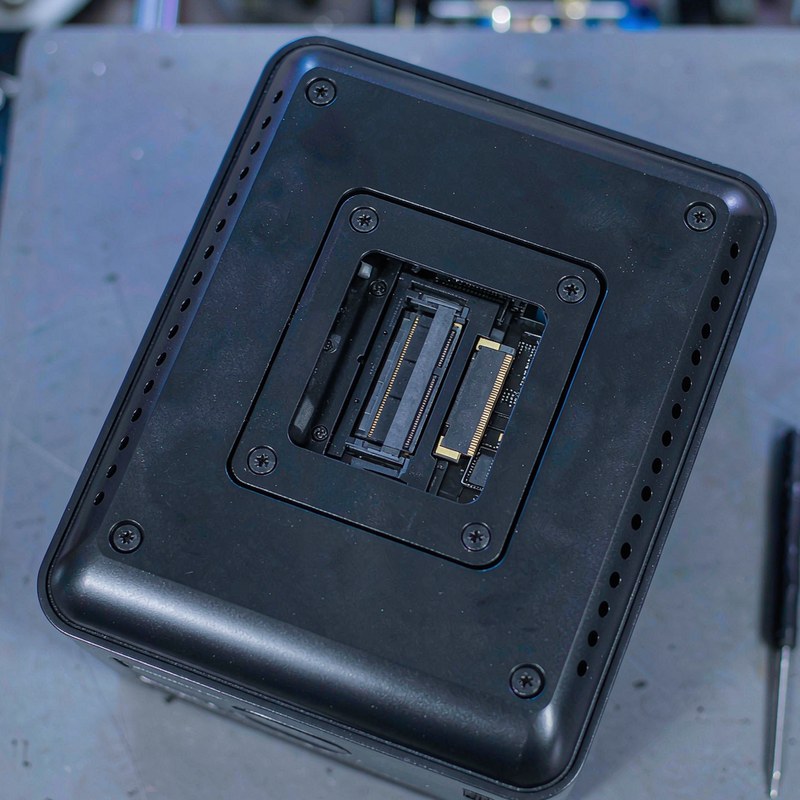
The physical presentation matches the price. The plastic exterior looks tidy enough beside a monitor or under a television, but it does not communicate the same durability as a machined metal case. Its compact footprint becomes especially useful on an adjustable workstation; our FLEXISPOT EN2 frame review explains why keeping computer weight and cable movement under control matters when a desk changes height. The G10’s three video cables still require deliberate routing.
Because this is a new listing with zero written Amazon ratings, we would not infer reliability from a star average or from similarly named GMKtec models. The measured numbers establish that this sample is efficient and reasonably quiet, but they do not establish multi-year durability or support performance. Keep the return window in mind, test all three outputs promptly, and inspect sleep, wake and wireless behavior with the exact peripherals you plan to use.
Who should buy it
Buy it if you need a compact Windows computer for documents, web applications, video calls, 4K playback or a three-screen desk, and $389.98 is near the top of the budget. It is especially sensible when 6.5W idle consumption, 16GB of memory and a small physical footprint matter more than modern wireless specifications.
Skip it if you regularly export video, compile large projects, process big RAW libraries, play current demanding games or need WiFi 6. The older Zen+ CPU, Vega 8 graphics, WiFi 5, Bluetooth 4.2 and basic plastic case all become harder to accept under those workloads. Our broader reviews hub is a better starting point for higher-performance alternatives.
FAQ
Can the GMKtec G10 run three 4K monitors at once?
The G10 provides HDMI, DisplayPort and USB Type-C display outputs and is specified for a three-screen 4K setup. Use a video-capable Type-C cable and compatible monitor or adapter; not every USB-C cable carries video.
Is the Ryzen 5 3500U still good enough for office work in 2026?
Yes, for documents, browser applications, email, video calls and moderate multitasking, especially with 16GB of RAM and an SSD. Its four-core Zen+ design is much less suitable for frequent video exports, large code builds and other sustained creative workloads.
How much electricity does the GMKtec G10 use?
We measured 6.5W at idle and a maximum wall draw of 34W. If it remained at the measured idle draw all year, it would use about 56.9 kWh, though sleep and shutdown schedules can reduce actual consumption.
Is the GMKtec G10 quiet enough for a living room?
Our meter showed 36 dB(A) at idle and 42 dB(A) during a stress test. It is unobtrusive during light playback at normal viewing distance, but the fan can be heard during sustained heavy work in a quiet room.
Where to buy
Update log
October 19, 2026 — Initial publication based on hands-on power, noise, display and everyday-use testing of the GMKtec G10 Mini PC.

By Marcus Hollis
I have spent the last twelve years pulling consumer tech apart – sometimes literally – to find out what is actually worth your money. Before starting Freakin Review, I ran product QA and return-rate analysis for a Dallas-based electronics retailer, where thousands of returned devices a month taught me one lesson: spec sheets lie more often than reviewers do. I lead our testing bench in Austin, where every power bank, pair of earbuds, and computer peripheral goes through a standardized 10-point routine – real measurements, weeks of daily use, and no free sample we are afraid to criticize. When a product fails, I say so, even when the affiliate link pays less.